Campaign Images
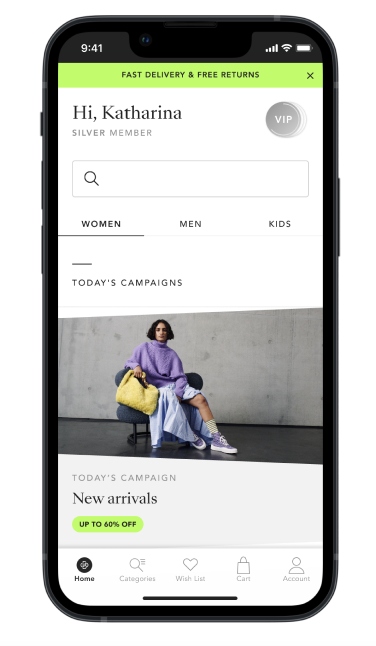
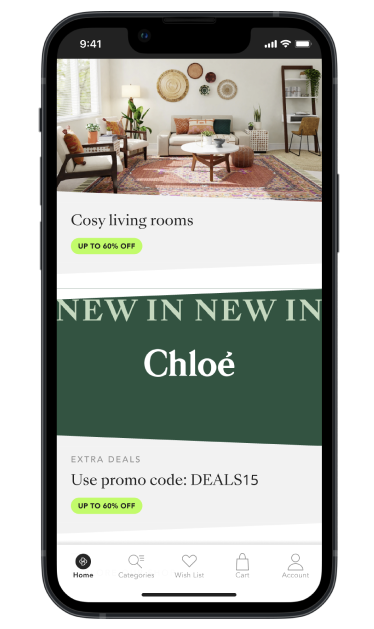
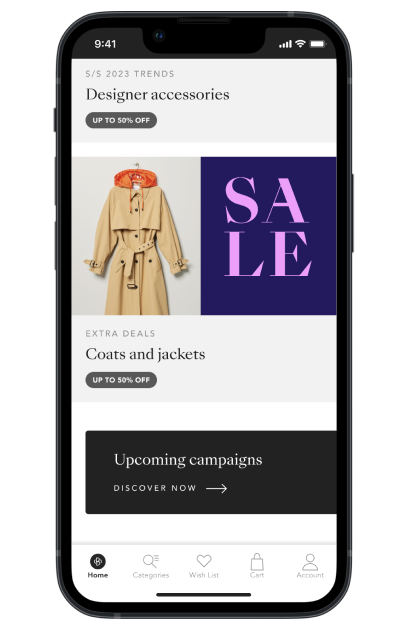
Blockbuster Campains
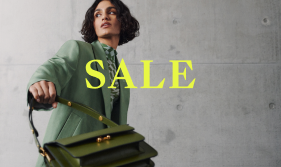
Full image:
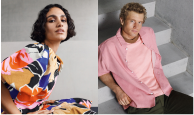
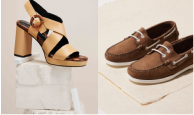
- Use full image whenever possible.
- Priority: BB shooting image with model OR BB shooting image with still.
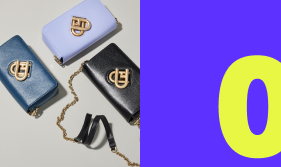
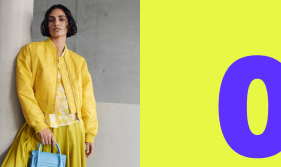
Divided Layout with Half Image:
- If full image is not available, use divided layout with half-size image.
- Priority: BB shooting image with model OR BB shooting image with still.
- If shooting image/still is not available, use stock or shooting image (not from current BB shoot) ONLY if it matches well to the BB campaign style, otherwise use Text-Only layout.
Text only:
- Use provided text-only layout(s) for current BB when applicable.
- The logo is always centered.
Top Brand Logo Layout:
- Prioritise image material over top brand logo layout (top brands should not get logo-only layout if we have good image material from them).
- Use top-brand BB template for logo placement.
- There is no divided logo BB layout.
General:
- All BB layouts include % symbol as a visual element, position is consistent.
- Colours: New colour scheme will be defined for each new BB campaign depending on the topic.
- See Figma base for all colour options.
- Choose colours depending on what matches the accompanying elements best.
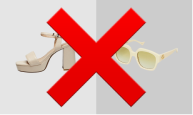
- Do not use highlight articles (HAs): ghost products, model images, product images.

Sales Campains
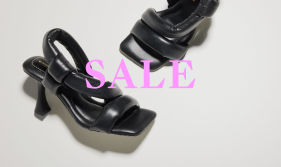
Full image:
- Use full image whenever possible.
- Priority: BB shooting image with model OR BB shooting image with still.
Divided Layout with Half Image:
- If full image is not available, use divided layout with half-size image.
- Priority: BB shooting image with model OR BB shooting image with still.
- If shooting image/still is not available, use stock or shooting image (not from current BB shoot) ONLY if it matches well to the BB campaign style, otherwise use Text-Only layout.
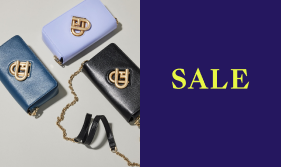
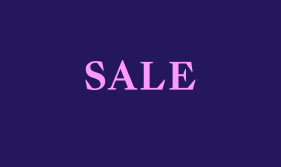
Text only:
- Use provided text-only layout(s) for current BB when applicable.
- The logo is always centered.
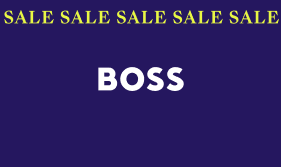
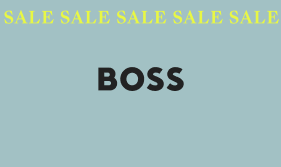
Top Brand Logo Layout:
- Prioritise image material over top brand logo layout (top brands should not get logo-only layout if we have good image material from them).
- Use top-brand BB template for logo placement.
- There is no divided logo BB layout.
General:
- All BB layouts include % symbol as a visual element, position is consistent.
- Colours: New colour scheme will be defined for each new BB campaign depending on the topic.
- See Figma base for all colour options.
- Choose colours depending on what matches the accompanying elements best.
- Do not use highlight articles (HAs): ghost products, model images, product images.
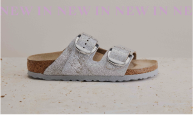
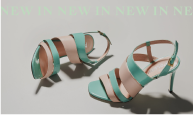
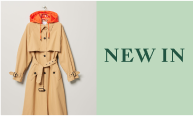
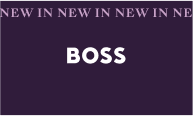
New in Campains
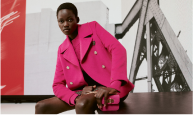
Full image:
- Use full image whenever possible.
- Priority: BB shooting image with model OR BB shooting image with still.
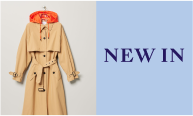
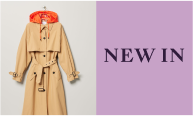
Divided Layout with Half Image:
- If full image is not available, use divided layout with half-size image.
- Priority: BB shooting image with model OR BB shooting image with still.
- If shooting image/still is not available, use stock or shooting image (not from current BB shoot) ONLY if it matches well to the BB campaign style, otherwise use Text-Only layout.
Text only:
- Use provided text-only layout(s) for current BB when applicable.
- The logo is always centered.
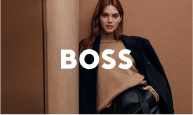
Top Brand Logo Layout:
- Prioritise image material over top brand logo layout (top brands should not get logo-only layout if we have good image material from them).
- Use top-brand BB template for logo placement.
- There is no divided logo BB layout.
General:
- All BB layouts include % symbol as a visual element, position is consistent.
- Colours: New colour scheme will be defined for each new BB campaign depending on the topic.
- See Figma base for all colour options.
- Choose colours depending on what matches the accompanying elements best.
- Do not use highlight articles (HAs): ghost products, model images, product images.






Inspirational
Full image:
- Use full image whenever possible.
- Priority: BB shooting image with model OR BB shooting image with still.
Divided Layout with Half Image:
- If full image is not available, use divided layout with half-size image.
- Priority: BB shooting image with model OR BB shooting image with still.
- If shooting image/still is not available, use stock or shooting image (not from current BB shoot) ONLY if it matches well to the BB campaign style, otherwise use Text-Only layout.
Text only:
- Use provided text-only layout(s) for current BB when applicable.
- The logo is always centered.
Top Brand Logo Layout:
- Prioritise image material over top brand logo layout (top brands should not get logo-only layout if we have good image material from them).
- Use top-brand BB template for logo placement.
- There is no divided logo BB layout.
General:
- All BB layouts include % symbol as a visual element, position is consistent.
- Colours: New colour scheme will be defined for each new BB campaign depending on the topic.
- See Figma base for all colour options.
- Choose colours depending on what matches the accompanying elements best.
- Do not use highlight articles (HAs): ghost products, model images, product images.
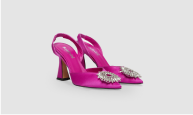
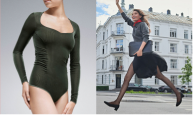
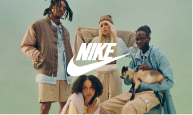
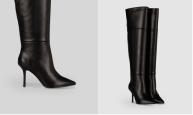
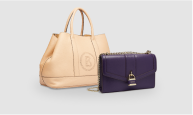
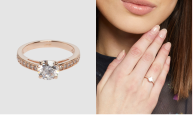
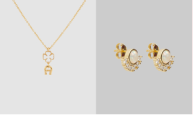
Inspirational Unisex
Full image:
- Use full image whenever possible.
- Priority: BB shooting image with model OR BB shooting image with still.
Divided Layout with Half Image:
- If full image is not available, use divided layout with half-size image.
- Priority: BB shooting image with model OR BB shooting image with still.
- If shooting image/still is not available, use stock or shooting image (not from current BB shoot) ONLY if it matches well to the BB campaign style, otherwise use Text-Only layout.
Text only:
- Use provided text-only layout(s) for current BB when applicable.
- The logo is always centered.
Top Brand Logo Layout:
- Prioritise image material over top brand logo layout (top brands should not get logo-only layout if we have good image material from them).
- Use top-brand BB template for logo placement.
- There is no divided logo BB layout.
General:
- All BB layouts include % symbol as a visual element, position is consistent.
- Colours: New colour scheme will be defined for each new BB campaign depending on the topic.
- See Figma base for all colour options.
- Choose colours depending on what matches the accompanying elements best.
- Do not use highlight articles (HAs): ghost products, model images, product images.